 ReaderWrangler™
ReaderWrangler™
ReaderWrangler™

Wrangle your reader chaos — Your books, your order
Import your Amazon Kindle library in minutes. Organize with drag-and-drop folders. Browse on your phone.
No Kindle library? Explore with a demo library
Hundreds of Kindle books, buried and forgotten. ReaderWrangler turns your flat Amazon list into an organized, browsable library you'll actually use.
Amazon shows beautiful covers but won't let you sort, group, or reorder. ReaderWrangler gives you nested folders, tags, and drag-and-drop control.
Everything runs in your browser. An encrypted relay transfers your books—no accounts, no cloud storage, no tracking. Your keys never leave your device.
Add a bookmarklet to your browser, then click it. It takes you to your Amazon library page—click it again to download your books. Covers, ratings, reviews, descriptions—all transferred through an encrypted relay to your local browser.
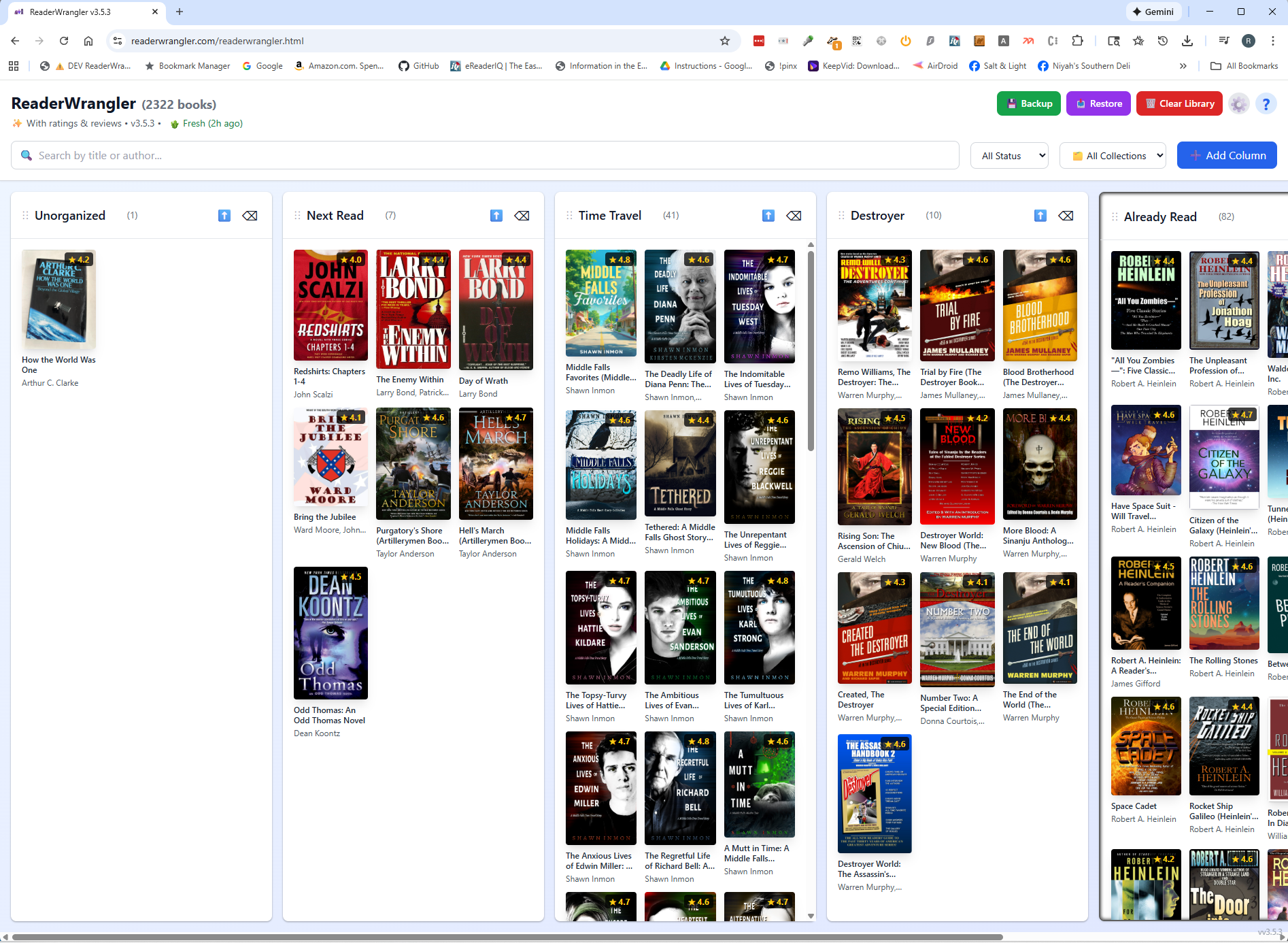
In the app, drag books into folders, add tags, and sort your way. Everything stays on your device—your library, your rules.
Pair your phone by scanning a QR code. Browse your library from the couch, the bookstore, or anywhere.
The app walks you through setup — relay, bookmarklet, and first import
From chaos to control — slide to compare Amazon's view vs. ReaderWrangler

Download a sample library of 100+ classic books. Load it into ReaderWrangler and explore every feature — folders, tags, filters, Auto-Organize — without connecting to Amazon.